Published August 20, 2026 · Agus Yulyastrawan, Founder Seawise Studio
POS Software for Small Businesses: When to Leave Excel
Still recording sales in Excel or a notebook? Signs your business needs POS software, how it compares to Excel, essential features, and how to choose.
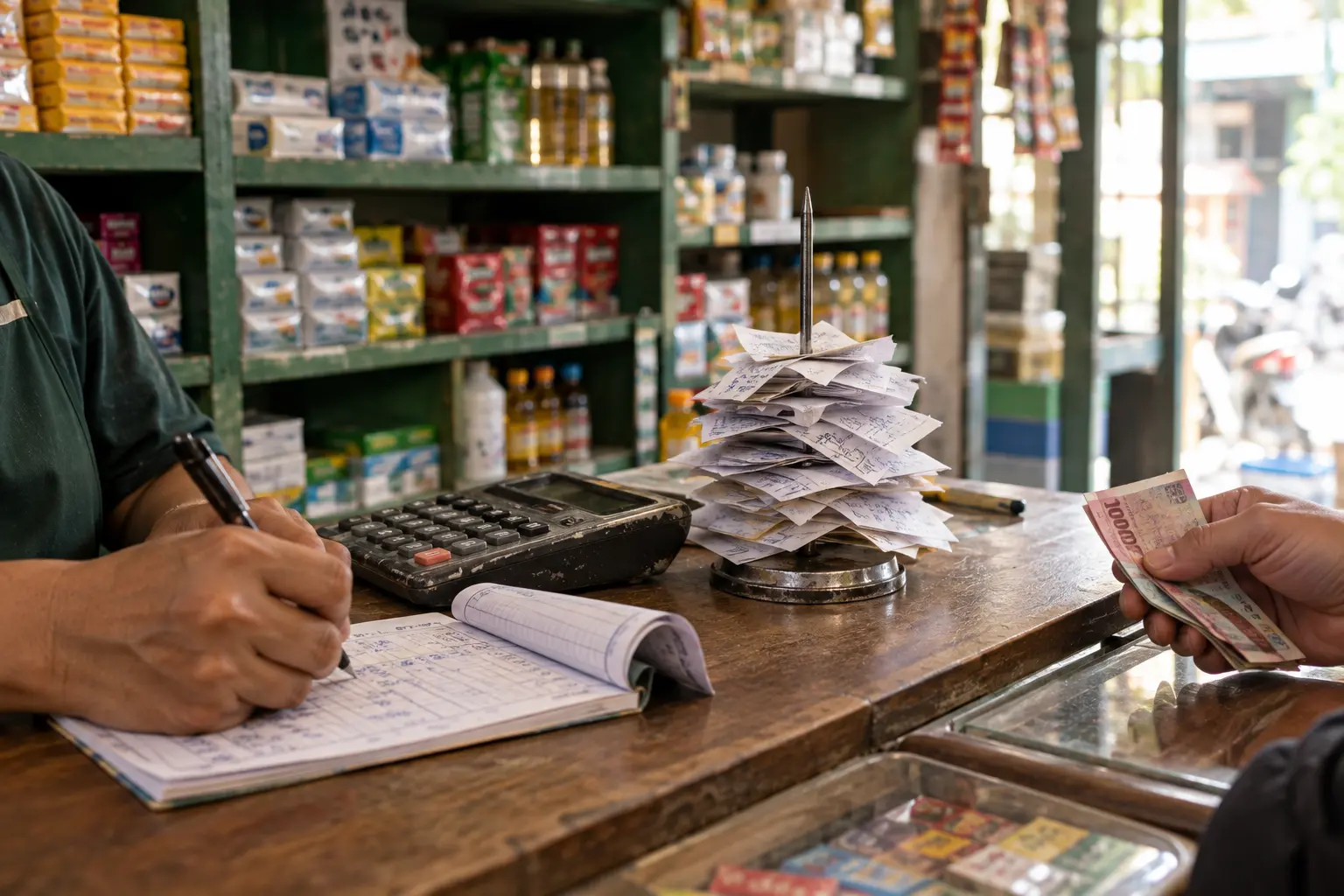
Many small businesses start recording sales in a notebook or in Excel. That works at first, but as the business grows the gaps start to show: stock is inaccurate, reports take a long time, and it is hard to tell which products sell best. POS (point of sale) software is a system that records every sale while updating stock and building reports automatically. The real question is when to make the switch.
Signs your business needs POS software
- You are not sure how much stock is left without checking each item.
- The daily sales recap takes time and is often wrong.
- It is hard to see which products sell fast and which do not.
- Revenue looks healthy, but you do not know your actual net profit.
- You have more than one cashier or plan to open another branch.
- Change and prices are often miscalculated during busy hours.
If several of these sound familiar, Excel has started to hold you back instead of helping.
Excel versus POS software
| Need | Notebook or Excel | POS software |
|---|---|---|
| Recording sales | Typed in line by line | Recorded automatically at payment |
| Stock | Updated by hand, often behind | Deducted automatically with every sale |
| Reports | Built with formulas or recalculated | Generated automatically, daily to monthly |
| Net profit | Calculated separately | Shown automatically when expenses are recorded |
| Multiple cashiers | File conflicts and duplicate data | Every sale lands in one place |
| Receipts | Handwritten or printed separately | Printed or sent straight from the app |
Essential features
Fast checkout
Cashiers need to serve customers quickly, especially at peak times. Look for a simple interface that new staff can learn easily.
Automatic stock management
Every sale reduces stock immediately. You see remaining stock in real time and get reminders when it is time to restock.
Sales reports
Automatic daily, weekly, and monthly reports show you trends, best sellers, and your busiest hours.
Expense and profit tracking
Revenue is not the same as profit. Software that also records expenses, such as stock purchases, rent, and wages, can show net profit without manual calculation.
Products and variants
If your products come in variants such as size, flavour, or colour, make sure the software supports them so your records stay tidy.
Staff access levels
Staff only see the menus they need. Cashiers do not need the financial reports, while the owner can still see everything.
Room to grow
Choose software that can scale: more branches, more users, or payment integrations as the business grows.
Off-the-shelf or custom POS?
Off-the-shelf POS software is affordable and quick to set up, which suits standard needs. If your business has a unique workflow, such as consignment, custom bundles, or integration with other systems, a custom-built application will fit better and be more efficient in the long run. Our guide to custom app development explains when custom really makes sense.
Example: from handwritten receipts to an app
Leuca de Perfume used to record sales by hand. Receipts were handwritten, and some purchases were never recorded at all. Today the shop's daily operations run on TokoKu, a POS application we built. Sales go straight into the app, receipts are sent to buyers from the same app, and cash flow can be checked at any time. The owner now knows how much money is safe to spend on the next round of stock.
How to choose the right software
- Match it to your size. Do not pay for enterprise features if you only need a simple cashier system. Start with what fits, then upgrade.
- Make sure staff find it easy. The best software is useless if your team struggles with it.
- Check after-sales support. Choose a provider that is ready to help when problems come up.
Frequently asked questions
Is POS software expensive for a small business?
Not necessarily. There are affordable options for small businesses that can be upgraded as you grow. What matters is that it fits your needs today.
Can it work without internet?
Some applications support offline mode and sync data once you are back online. Ask about this if the signal at your location is unreliable.
Can my existing Excel data be moved over?
Yes. Product and stock data can usually be imported, so you do not have to re-enter everything.
Conclusion
Switching to POS software is not about looking modern. It is about control: accurate stock, fast reports, visible profit, and decisions based on data. Start with what fits your business today, and make sure it can grow with you.
Need POS software that fits the way your business works? See Seawise's app development in Bali, or book a free consultation.