Published September 11, 2026 · Agus Yulyastrawan, Founder Seawise Studio
Restaurant POS Software: 7 Essential Features
Orders lost on the way to the kitchen and no idea of cost per portion? The 7 essential features of restaurant POS software, with a costing example.
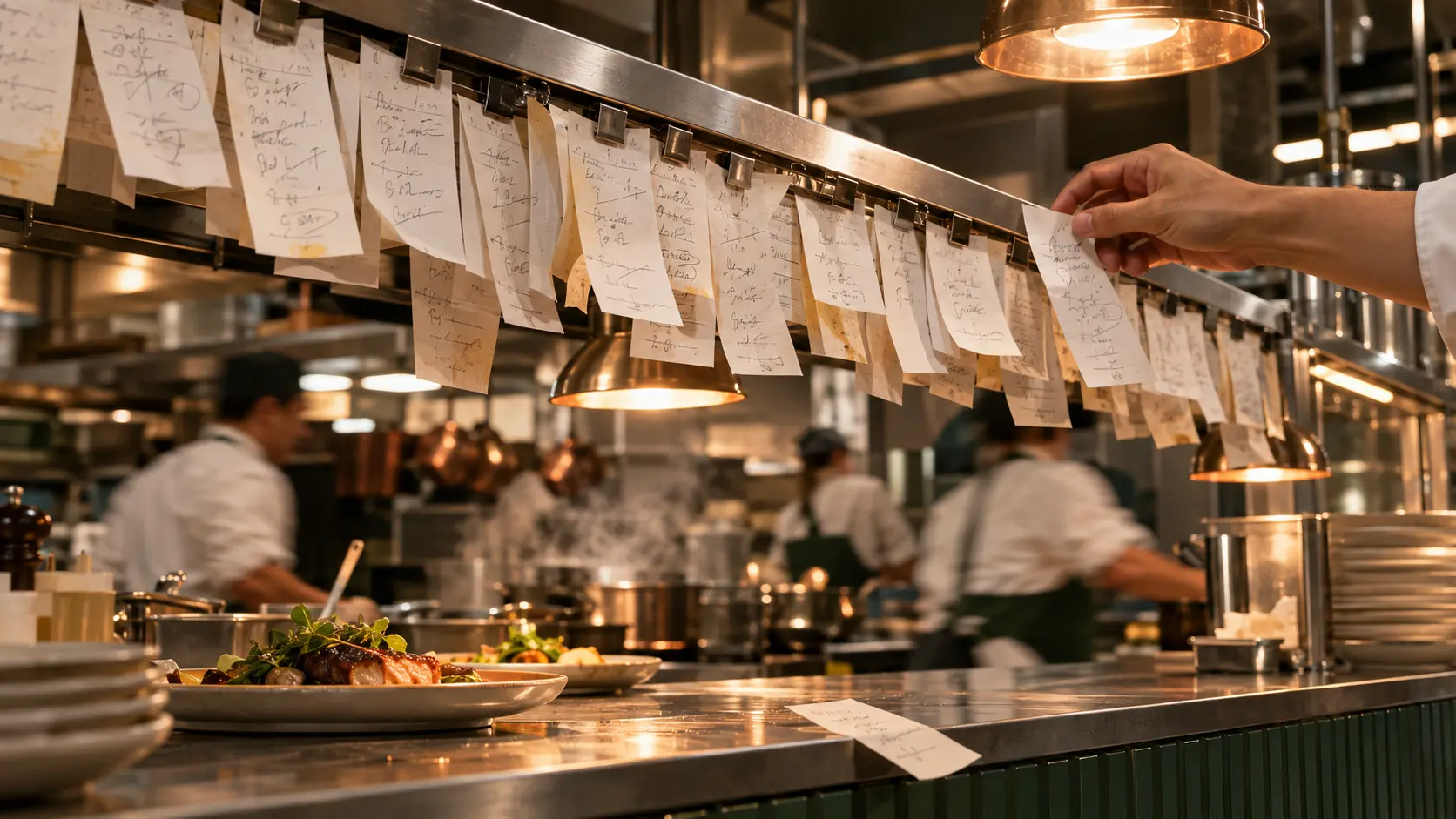
Restaurants and cafes face problems an ordinary shop never does: orders have to move from the cashier to the kitchen quickly, a single dish is made from many ingredients, and the rush hour arrives all at once. Restaurant POS software is a point of sale system that does more than take payment. It sends orders to the kitchen, calculates the cost of each portion from its recipe, and builds reports at closing time. This guide covers the seven features that actually get used every day and how to choose the right software.
Signs your restaurant needs a system
- Orders are wrong or missed at peak times because they are written on paper and passed to the kitchen by word of mouth.
- You do not know the real cost per portion, especially after ingredient prices rise.
- The closing recap takes time and rarely matches the cash in the drawer.
- Guests wait a long time just to order or ask for the bill.
- You run more than one outlet and cannot see the numbers in one place.
If two or more of these sound familiar, a basic cash register is no longer enough.
7 essential features of restaurant POS software
1. Table-based ordering
Orders are recorded by table number, can be added to while guests are still seated, and are billed together at the end. Without this, extra orders get lost and bills come up short.
2. Kitchen Display System (KDS)
A Kitchen Display System shows each order on a kitchen screen the moment the cashier enters it. The kitchen sees the order sequence, special notes such as "not spicy", and which dishes are done. Lost order slips and unreadable handwriting stop causing wrong dishes.
3. QR ordering from the table
Guests scan a QR code on the table, browse the menu, and order from their own phone. Orders go straight into the system without staff running back and forth. In tourist areas like Bali, a digital menu is also easier to offer in two languages for international guests.
4. Take away
Take-away orders follow a different flow: no table, and usually paid upfront. Make sure the software separates the two so dine-in and take-away sales can be read separately in reports.
5. Cost per portion that follows ingredient prices
This is the feature most often skipped, even though it decides whether you make a profit. Cost per portion is the total ingredient cost of making one menu item. The software calculates it from the recipe: the quantity of each ingredient multiplied by its latest price.
Example calculation for an iced milk coffee (illustrative figures):
| Ingredient | Quantity | Ingredient price | Cost |
|---|---|---|---|
| Coffee beans | 18 g | IDR 250,000 / kg | IDR 4,500 |
| Fresh milk | 150 ml | IDR 22,000 / litre | IDR 3,300 |
| Palm sugar syrup | 20 ml | IDR 40,000 / litre | IDR 800 |
| Ice and cup | 1 set | IDR 1,500 | |
| Cost per portion | IDR 10,100 |
Sold at IDR 25,000, the ingredients make up about 40% of the price. Now imagine milk goes up to IDR 26,000 per litre. The cost rises to IDR 10,700 per glass. If the calculation still lives in an old spreadsheet, you will not notice that every glass now earns less, and across dozens of menu items those small gaps add up to a large number every month.
6. Multi-outlet
If you have more than one branch, every outlet should run on the same system. Sales can be viewed per outlet or combined, so you no longer wait for each branch to send its recap.
7. Reports and access by module
The daily recap should be generated automatically at closing. Access by module means cashiers only open the cashier screen, the kitchen only sees orders, and financial reports are only available to the owner or manager.
Features and the problems they solve
| Feature | Problem it solves |
|---|---|
| Table-based ordering | Lost add-on orders, bills coming up short |
| Kitchen display (KDS) | Lost order slips, wrong dishes |
| QR ordering | Guests waiting too long to order |
| Take away | Dine-in and take-away mixed in reports |
| Cost per portion | Margin shrinking quietly when ingredient prices rise |
| Multi-outlet | Branch numbers scattered and late |
| Reports and access | Slow closing recaps, financial data open to everyone |
Off-the-shelf or custom POS?
Off-the-shelf POS software is enough for a small single-outlet cafe with a simple menu. A custom-built system makes more sense when you need cost per portion that truly follows ingredient prices, run several outlets with different workflows, or have special needs such as consignment cakes from a supplier or catering packages. Our guide to custom app development covers the decision in detail. For retail shops outside food and beverage, read our guide to POS software for small businesses.
A restaurant system already in use
Resto & Cafe Management is a food and beverage system we built. Table-based ordering connects directly to a real-time kitchen display, guests can order by QR from their table, take away has its own flow, and cost per portion follows the latest ingredient prices. All outlets run on one system with access by module, and you can open the live version from the portfolio page.
How to choose restaurant POS software
- Test with a rush-hour scenario, not just a demo. Ask for a simulation: several tables ordering at once, one guest adding to an order, and one table asking to split the bill.
- Involve the cashier and the kitchen. They use it every day. If they struggle, the system will be abandoned.
- Make sure recipes can be entered ingredient by ingredient. Without recipes, cost per portion is only a guess.
- Ask about support after launch. The first week always raises questions nobody thought of during the demo.
Frequently asked questions
Can restaurant POS software run on a tablet or phone?
Most modern software is web-based, so it opens on tablets, laptops, and phones. Make sure it is comfortable to use on the devices you actually have at your outlet.
What if the internet goes down?
Ask early. Some software keeps recording orders offline and syncs once the connection returns, while others need internet at all times. For locations with an unreliable signal, this is a must-ask question.
How long does it take to set up POS software in a restaurant?
Off-the-shelf systems can start within days. What usually takes time is entering the menu with ingredient-level recipes and training the cashier and kitchen staff. A custom system needs extra time for workflow mapping and development.
Conclusion
The right restaurant POS software solves three things at once: orders reach the kitchen without mistakes, cost per portion is clear, and the daily recap finishes itself. Focus on table-based ordering, a kitchen display, and recipe-based cost per portion, then make sure your cashier and kitchen teams are comfortable using it.
Want a system that follows the way your restaurant or cafe works? See Seawise's app development in Bali, or tell us what you need. The first discussion is free.